Security
Your security is a top priority.
Online Banking Security
Community West Bank is committed to providing you with a private and secure Internet banking environment.
Learn More about Online Banking Security »
Keeping Your Personal Information Secure
Protecting your personal information can help reduce your risk of identity theft.
Learn More about Keeping Your Personal Information Secure »
Protect Yourself Against Check Fraud
Check writing is giving way to digital payments, but many bank customers maintain a preference for paper checks. With physical check writing comes a heightened risk of fraud.
Learn More about Check Fraud »
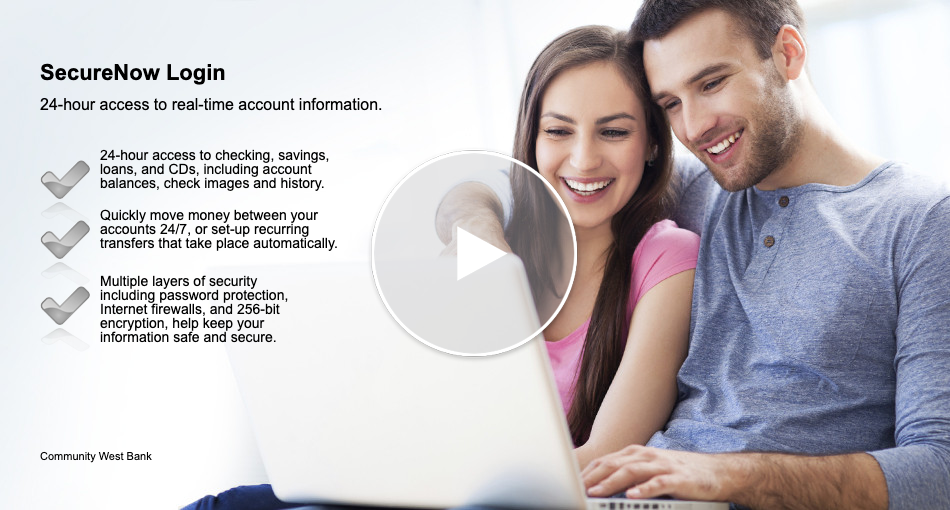
SecureNow Enhances Your Online Experience
Multiple layers of online security, including password protection and 256-bit encryption, help keep your information safe and secure.
Watch to Learn More about SecureNow »
ID Theft Recovery Steps
What to do if you have been the victim of identity theft.
Learn More about ID Theft Recovery Steps »
Cybersecurity For Your Business
When managing your network, developing an app, or even organizing paper files, sound security is no accident.
Learn More about Cybersecurity For Your Business »
Protecting Small Businesses
Tips on how to avoid scams that target businesses, and how to protect your customers’ and employees’ sensitive data.
Learn More about Protecting Small Businesses »
Banks Never Ask That
Community West Bank will NEVER ask for your passwords or Social Security number. If you are contacted by phone, email or text and asked to provide personal information, hang up or disregard the request immediately.
Learn How to Stay Safe From Scams »
HelpWithMyBank.gov
Get information about bank accounts and services, financial literacy and more, from this U.S. Department of Treasury website.
Get Answers to Your Banking Questions »